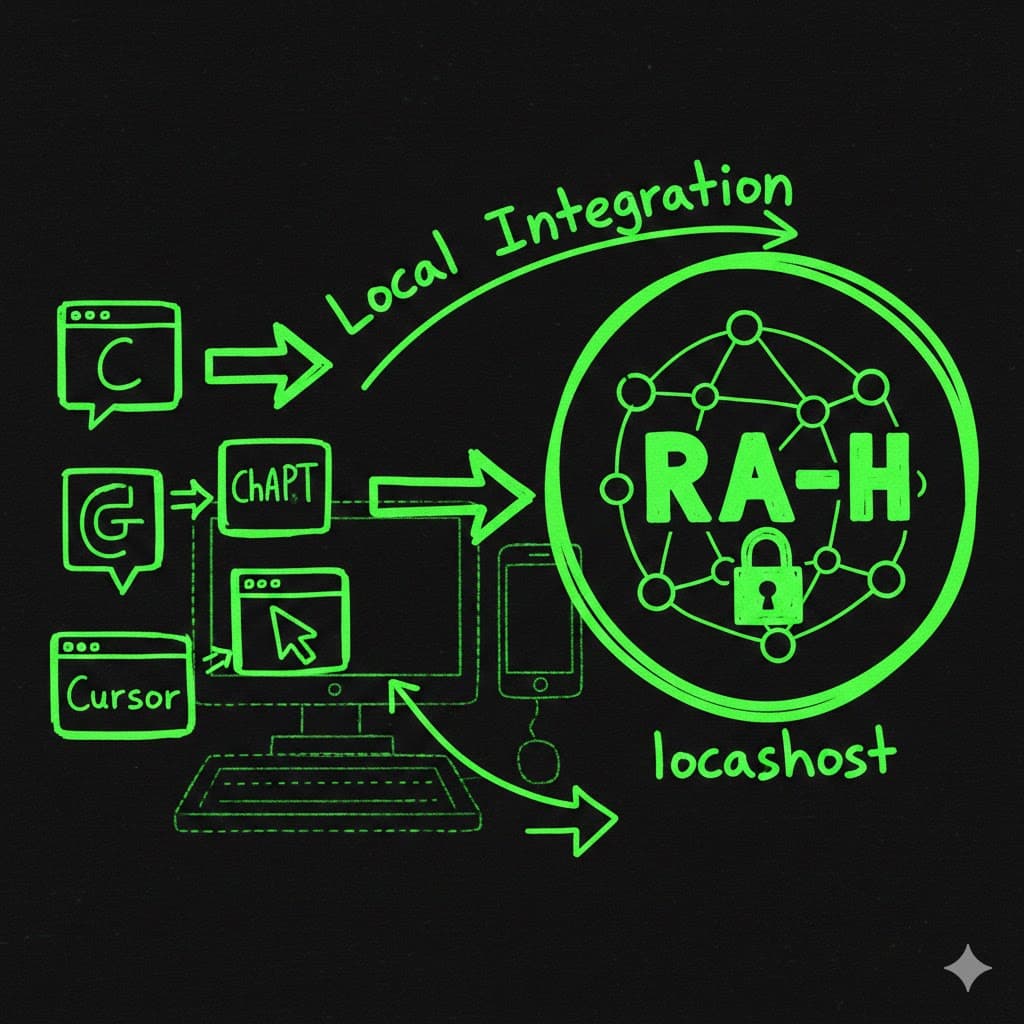
RA-H now connects directly to your favorite chat apps—Claude, ChatGPT, Cursor, and any MCP-enabled tool. This means you can search your local knowledge base and create new nodes right from your chat conversations, without switching apps.
If you don't know what MCP is, that's totally fine. All you need to know is that you now have a bridge between your favorite chat apps and your own local database.
What RA-H Is
RA-H is basically a glorified local SQLite database—your knowledge base, your second brain. It takes the best parts of something like Notebook LM and a language model, but localizes it. It lives on your computer.
Some users prefer to continue using Claude or ChatGPT for a number of reasons, and they've requested that we make it easy for them to hook up their favorite chat agents (Claude, ChatGPT, Codex, Claude Code, OpenCode, and Cursor).
Why This Matters
We're entering peak "passive consumption trap." LLMs are amazing research assistants, but they also make you feel like you're learning—this is pseudo-learning. As Andrej Karpathy notes, real learning requires compression, synthesis, encoding, and compounding.
The antidote is structured externalization. The act of externalization is the important part—whether that's explaining something to a friend over coffee, writing a blog post, or building a knowledge base. But you're leaving a lot on the table if that externalization doesn't solidify into some persistent and evolving artifact.
When you have valuable conversations with AI and don't extract those insights into your own knowledge base, you're capturing only a fraction of their value. Your chat conversations need to become part of your permanent knowledge base—searchable, linkable, and compounding over time.
How It Works
RA-H runs its MCP server locally, on your own machine. This means:
- You are not connecting to any remote or unknown MCP server
- You are not downloading third-party tool definitions from the internet
- The chat app only communicates with RA-H over localhost—a loopback address restricted to your device
This removes a major risk in typical MCP usage, where users might accidentally connect to an untrusted MCP endpoint. Running MCP locally avoids that category of vulnerability entirely.
You can connect any number of MCP-enabled agents at once. Each agent simply points to the local RA-H MCP endpoint and gains access to search and add-node capabilities.
Learn How to Set It Up
The full setup instructions and client-specific guides are here:
👉 RA-H Documentation - Connect External Chats
Related: Read about why externalizing your thinking matters and how structured knowledge bases support real learning.
Note: I literally just set this up yesterday. I couldn't get ChatGPT working, but I could get everything else hooked up. I've listed everything in the instructions, but if you get stuck, please just hit me up.
RA-H is a Mac app right now that you can download—there's a really generous free tier—and it will be open source next week if you want to sign up.